
Inside the Arizona Court System
Arizona runs three tiers of courts: appellate, general jurisdiction, and limited jurisdiction. The Arizona Supreme Court sits at the top. Below it, the Court of Appeals works through Divisions One and Two. It handles most appeals from Superior Court. Superior Court is one court across the whole state, with a branch in every county. Justice Courts and Municipal Courts take the local matters law assigns them. Many traffic tickets and misdemeanors land there.
Knowing the level tells you which clerk keeps the docket. A county's Clerk of the Superior Court holds the case files for that county. Those files cover felony, major civil, family, probate, and juvenile cases. An Arizona Justice Court or Municipal Court keeps its own local docket instead. Appellate cases get a separate case number. It is filed with the clerk of the appellate court that decided them.
| Court Level | Typical Arizona Matters | Record Holder |
|---|---|---|
| Supreme Court and Court of Appeals | Direct or reviewed appeals, appellate filings, opinions, and argument dates | Supreme Court or Division clerk |
| Superior Court | Felonies, general civil cases, family, probate, juvenile, and some lower-court appeals | County Clerk of the Superior Court |
| Justice or Municipal Court | Local traffic, misdemeanors, small claims, and other limited matters | The particular local court clerk |
Arizona Superior Court Has County Branches
The statewide Superior Court name can mislead people. Some picture one big file room in Phoenix. In truth it is a single general-jurisdiction court made of county branches. Each county elects its own Arizona clerk. A case gets filed where the court has authority over it. That county's Clerk of the Superior Court then maintains the record. The same office collects fees, certifies copies, and issues court process.
Arizona draws no statewide line between a civil clerk and a criminal clerk. One county clerk's office handles both, plus family, probate, juvenile, and other Superior Court matters. Justice Courts and Municipal Courts keep records of their own. A ticket from an Arizona city court never becomes a Superior Court file. Sharing a county does not change that.
The Arizona Statewide Search Portal
Arizona Judicial Branch Public Access to Court Case Information is the statewide case locator. Its current page reports case information from 177 of 184 Arizona court sources. That figure counts participating sources only. It does not promise that every case from a participating court will appear. The Arizona Judicial Branch separately lists courts that are unavailable or only partly represented. Public Access also leaves out certain case populations. Sealed cases, protection orders, mental-health and probate matters, some juvenile information, and local-ordinance charges are excluded.
The basic Arizona search is free. Before a query goes through, though, the entry page requires a randomly generated verification step. The search fields and detailed court choices open only after that gate. The portal says its case data is updated on Fridays through the preceding Wednesday. It also warns that results can be incomplete. They are not the court's official record, so treat Public Access as a locator. Turn to Case Lookup for Arizona's field-by-field search path.
The Judicial Branch's Public Access search page presents the verification step ahead of its case search.
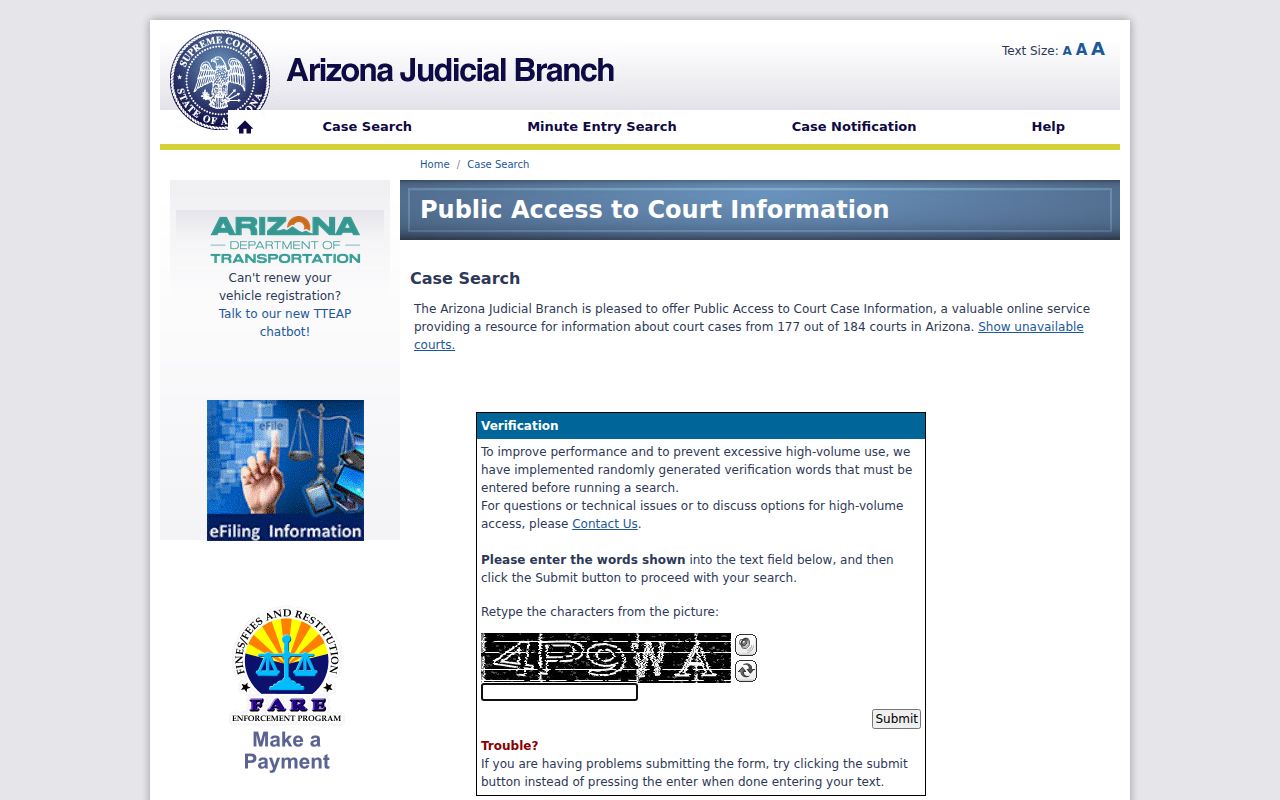
The CAPTCHA works as an access gate meant to curb high-volume use. It does not filter which cases exist. For a current court-by-court coverage check, the Arizona judiciary's unavailable and partial-courts list is more precise than the headline count.
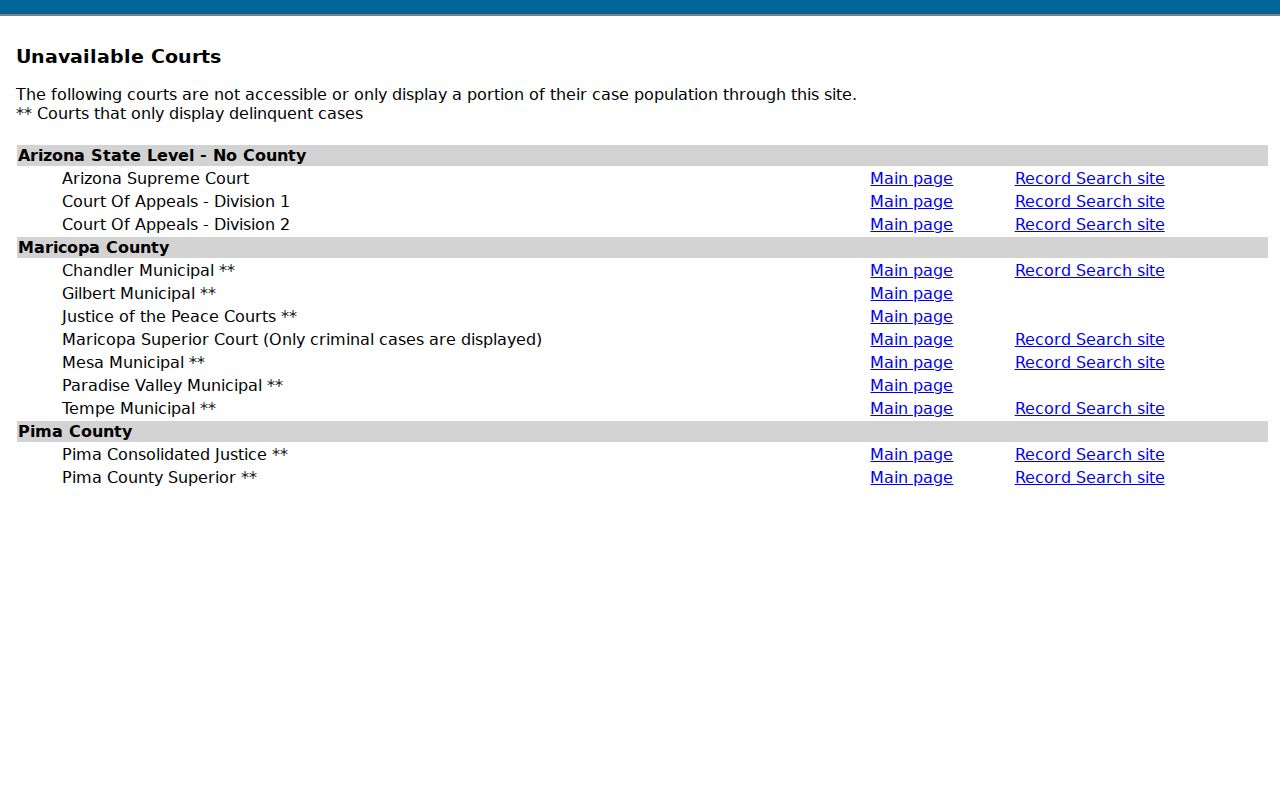
A blank result, then, can point to a coverage gap, a case type the portal excludes, a weekly data lag, or a restricted record. It does not mean the court file is missing.
Arizona eAccess Adds Superior Court Documents
eAccess is a separate Arizona Judicial Branch service. It provides online Superior Court case data and document images. It covers Arizona civil and criminal cases filed on or after July 1, 2010. Pima County criminal records start later, on July 1, 2015. Probate, juvenile, and family or domestic-relations cases are not available through eAccess at all. Sealed, restricted, or sensitive documents can also be withheld. That can happen even when the case itself is visible.
Registration is required. The first page of a document may be previewed free. A full document costs $10. Monthly plans run from $80 for 20 documents up to $10,000 for 5,000. Electronic certification runs $45 per document on pay-as-you-go accounts, or $35 with a recurring monthly subscription. Once purchased, a document stays available for 24 hours, so download or print it in time. Agencies that want a raised seal must request it from the county Clerk of the Superior Court in Arizona. The Arizona eAccess information page posts the record-date limits. It also gives the current service route and a fee FAQ with the live purchase terms.
Documents sit behind the locator, in other words. But eAccess still does not hand you the full county docket. The clerk keeps the official file.
How Arizona Dockets Reach the State Index
Every Arizona court docket starts at the court that took the case in. Its case-management system records who the parties are. It logs what was filed and every setting on the calendar. The Arizona clerk then reviews each filing. What passes review is entered into that local record. So the docket you see reflects what the clerk has accepted. Statewide data services only display what each Arizona court shares. Access rules and the portal's refresh schedule shape the rest.
Docket flow: Filing with the court clerk › local case-management docket › permitted statewide case data › Public Access search result
Treat the Arizona statewide index as a summary. It is not a live copy of any court's database. A filing the clerk accepted yesterday may still be missing from the weekly public index. Document images are another matter entirely. eAccess can restrict them or sell them as a separate item. When a case fails to appear, pull the citation or order and find the Arizona court and county named on it. Then open the County Directory to take the local route. Justice Court and Municipal Court questions go straight to that court. The Superior Court clerk will not hold those files.
Arizona's Administrative Office Guides Courts
The Administrative Office of the Courts (AOC) is the administrative staff. It serves the Arizona Supreme Court. Article VI, Section 7 of the Arizona Constitution authorizes a director and staff. They help the Chief Justice run the judicial branch. Day to day, the AOC backs Arizona court operations on several fronts. It handles information technology, statistics, caseflow management, court services, and education, along with related statewide programs. It sets standards and coordinates tools. It does not certify an ordinary Arizona county trial-court record. Within the office, the Court Services Division houses eCourt Services. That unit coordinates electronic case-information and document projects across Arizona. AOC Research and Statistics gathers fiscal-year filing and disposition data. The data comes from appellate, Superior, Justice, and Municipal Courts alike. Federal and tribal courts sit outside that count. So an Arizona state-court total is not every proceeding inside the state's borders. For the full statewide workload and operating picture, the Judicial Branch's FY2025 Annual Report lays out the numbers and the context behind this system.
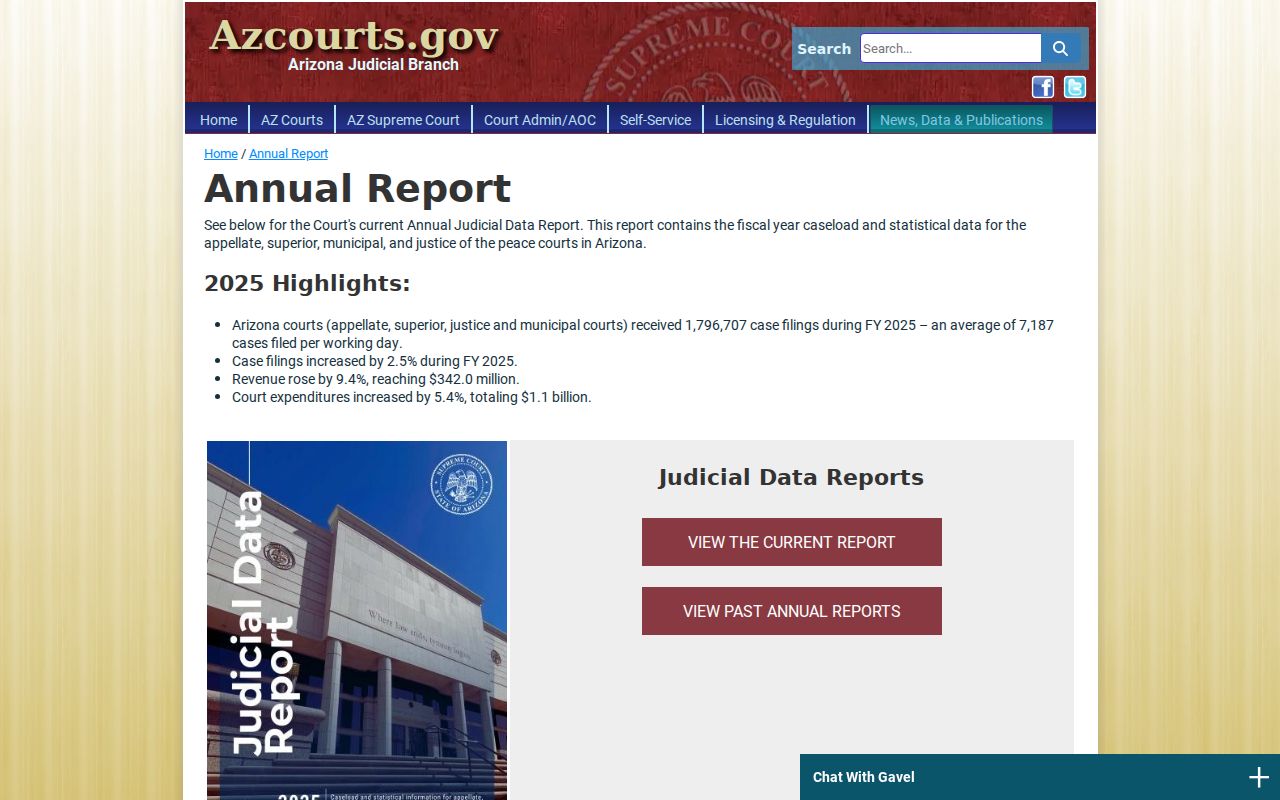
Read the headline filing total with care. It blends unlike case types and court levels, so a number means most when paired with its fiscal year and the table's stated scope.
E-Filing Through Arizona's Court Systems
No single e-filing application covers every Arizona court. The Arizona Judicial Branch runs the program under ACJA §1-901. Which route you can use still depends on the court. It also depends on the case type. Attorneys and legal paraprofessionals must e-file in Arizona Superior Court. The attorney mandate has also spread into participating Justice Courts. For a specific case, trust the Arizona statewide availability matrix over any older announcement.
| Filing Route | Where It Is Used | Important Limit |
|---|---|---|
| eFileAZ | Most Superior Court filings and participating Justice Court case types | Availability varies by county and case type |
| AZTurboCourt | Arizona Supreme Court, Court of Appeals Division One, and selected Superior filings | Not the general public case-search system |
| Division Two e-filer | Court of Appeals Division Two | Managed by that division as a separate filing route |
| Local Maricopa filing route | Maricopa Superior criminal and juvenile delinquency filings | Those case types are excluded from eFileAZ |
The Judicial Branch's Superior Court availability matrix maps the application and case type, county by county.
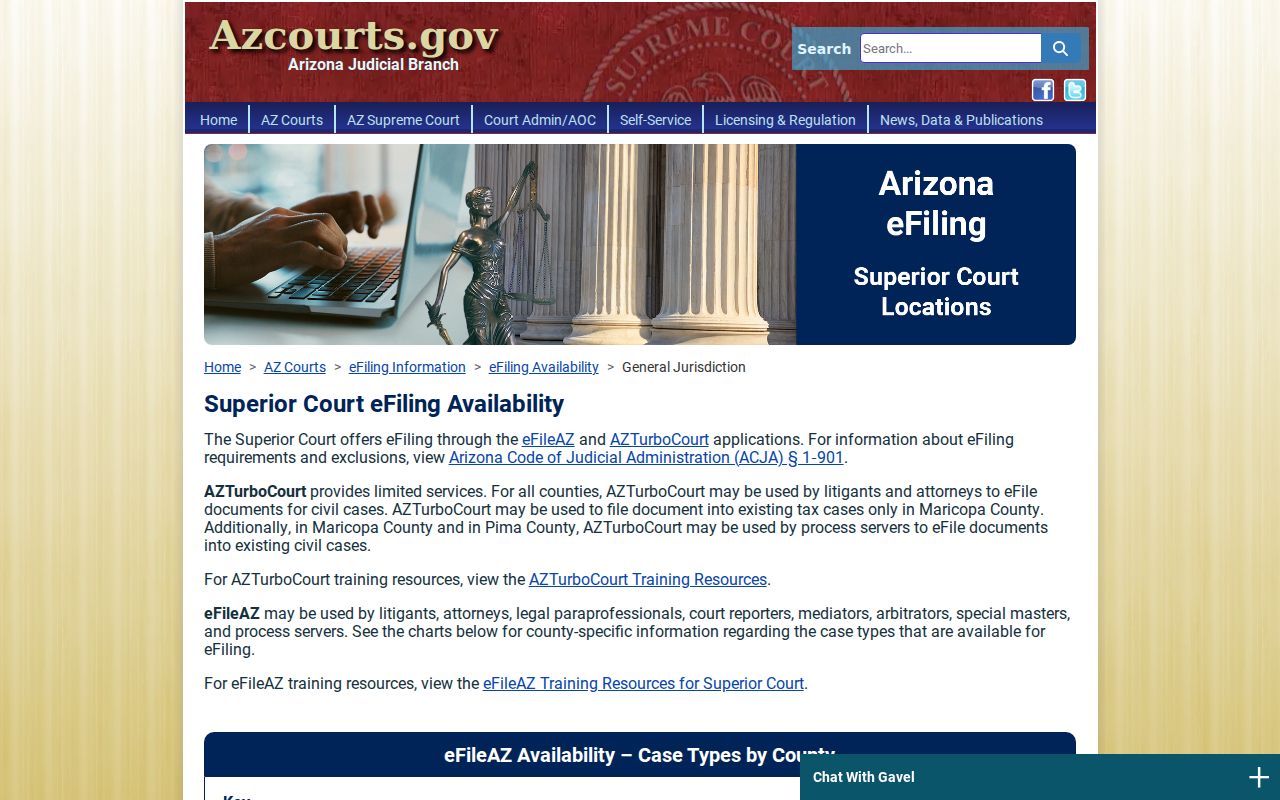
Check that matrix before you file. Two case types in the same Arizona county can take different routes.
Arizona E-Filing Receipt vs Clerk Acceptance
Sending a document is one step, not the whole job. The e-filing provider drops it into a clerk queue. From there the Arizona clerk reviews it. The clerk either accepts or rejects it. Only after acceptance does the local case-management system and docket update. That is why a payment receipt or transmission confirmation proves delivery, nothing more. It does not prove the Arizona court accepted the filing. Nor does it prove the filing reached the official docket. Missing filing? Check the acceptance notice and any rejection reason inside the filing account first. Then contact the court that owns the case. The public search can lag behind too. Arizona Public Access refreshes weekly. An online document can also be excluded by law, rule, or court order.
Check the acceptance notice. Keep the clerk's acceptance or rejection message with the case paperwork. An e-file receipt alone does not prove that the document became part of the docket.
The eFileAZ sign-in service illustrates the credential and user-role step for filing participants.
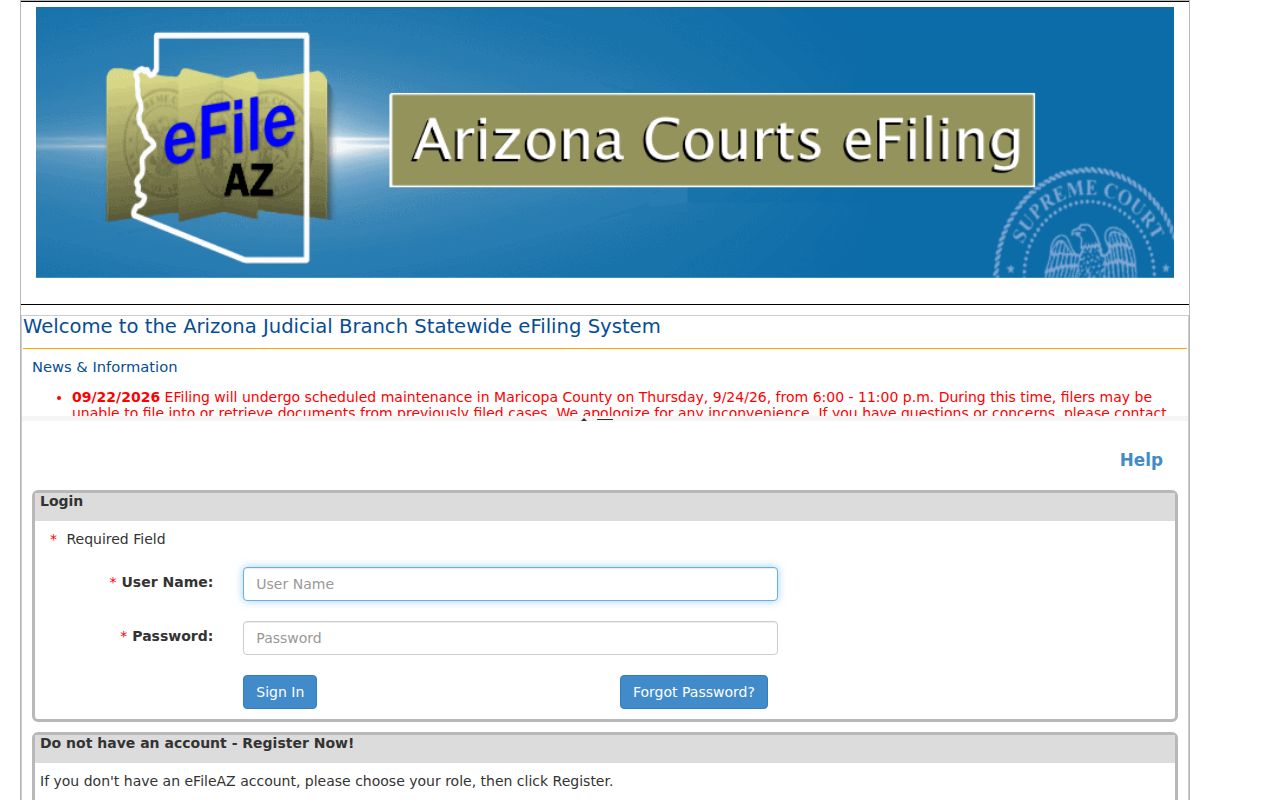
A filing account is not a public case-search account. The court record surfaces through whichever access channel serves that case type.
Arizona Portal vs County Docket
Let the Arizona statewide result identify the participating case. For a full event history, a filing, or a certified copy, go to the local record holder instead. These are different layers of Arizona's court system. The Arizona local docket may carry newer events or a case type Public Access leaves out.
| Record Feature | Public Access Index | Local Court File |
|---|---|---|
| Coverage | Participating court populations, with case-type exclusions | The cases held by that court |
| Detail | Case information and selected activity | Official event register and filed papers |
| Timing | Weekly refresh through the prior Wednesday | Clerk's own case-management record |
| Certified copies | Not the issuing clerk | Request from the clerk that keeps the file |
Arizona's case index points you toward the right court. For the complete docket, use the County Directory to reach the local court resource and its clerk.
Arizona Justice Court E-Filing Expanded in 2026
Arizona lower-court filing access has grown county by county. In March 2026, Arizona courts announced Justice Court e-filing for civil, eviction-action, and small-claims matters. Graham and Greenlee Counties are covered. Apache Justice Courts came on earlier in 2026. Rollouts like these changed where participating parties may submit documents. They did not build a complete statewide public docket search for those cases. Exceptions remain. The Arizona limited-jurisdiction availability matrix still lists Maricopa Justice Courts outside the current mandate. Pima County Consolidated Justice Court is listed there too. Attorney filing requirements arrive in stages, and later orders can shift implementation dates. For an Arizona case event, rely on the local court record. Even documents from a statewide filing application belong there.
Arizona Court Technology and History
Arizona put its public case lookup online in fiscal year 2002. Curiosity ran high. One early technology report counted more than 12 million queries in the first five months, and the locator later grew into a participating-court index, refreshed weekly, with listed exclusions. eAccess added another layer: paid online document retrieval for eligible Arizona Superior Court civil and criminal cases.
E-filing became a statewide strategic goal by 2008. By August 2019, eFileAZ reached Arizona Superior Courts in all 15 counties. AZTurboCourt and other court-specific filing routes sit alongside it. That progress never replaced local case-management systems. Nor did it make every docket public online. The Arizona Supreme Court's active-case portal is a separate layer for appellate matters, and appeals there get their own numbers.
The Arizona Supreme Court case portal covers the appellate side, posting active-case indexes, calendars, opinions, and minutes.
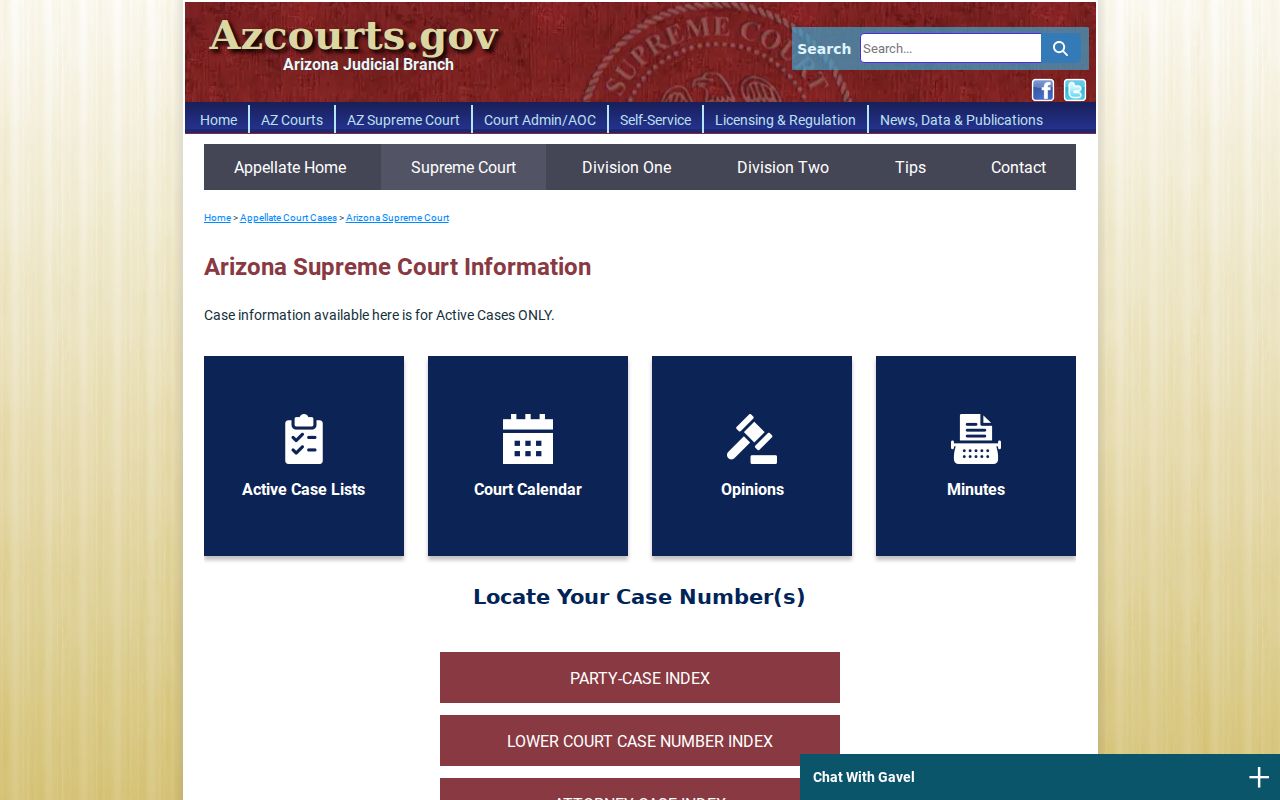
Its appellate activity sits apart from the trial-court docket, and the system generally refreshes those entries on a nightly schedule.
Arizona's Public Access Replacement Plan
Arizona's statewide case locator still runs today. A replacement is already in the works. The Arizona Judicial Branch's 2026-28 information-technology plan reports analysis and design work for a successor, along with development of eAccess 2.0. FY2025 traffic was heavy: 872,814 e-filed submissions and 76,892 eAccess document retrievals. Those figures count system use, not people or cases.
A replacement portal changes none of the ground rules. Court-level custody stays. So do record-access rules and the difference between a case index and a document image. Until the official service actually changes, use the existing Arizona Public Access search for participating case data. Ask the clerk for the official docket, a correction, or a certified record. The county directory closes the gap.