
Searching Civil Dockets in Arizona
Start with whatever court paper you have. The complaint, summons, or hearing notice should name the court, county, case number, filing date, and parties. Write all of it down before searching anything. Arizona's free Public Access lookup is a statewide starting point. It only covers participating courts. Not every civil case or document appears there. eAccess is a separate Superior Court service for eligible civil and criminal matters. Justice Court and Municipal Court systems sit on their own platforms entirely.
A party name plus the Arizona case number helps, yet the court and case type matter just as much. A civil claim may live in Superior Court or Justice Court. Evictions run through their own lower-court route. An online docket search may come up thin. The clerk of the court named on the papers can confirm the official case record. Arizona clerks vary in what they offer. Some give an online docket, a public terminal at the courthouse, a records counter, phone help, or a written request by mail or another accepted method.
- Use the Arizona court papers to identify the court, county, exact case number, and filing date.
- Search Arizona Public Access by the party or business name, or use the case number. Complete the CAPTCHA and check the court listed in the result.
- For an eligible Arizona Superior Court civil case, search eAccess and use its court, date, party, or case-type filters as needed.
- For a Justice or Municipal Court, family, probate, older, or missing record in Arizona, use the County Directory to reach the correct clerk or local system.
- Ask the Arizona clerk for the docket, the filed document, or a certified copy. State the number, dates, and precise item, then confirm cost and delivery.
Arizona Civil Dockets Split at $10,000
Where an Arizona civil case gets filed decides which docket and clerk hold it. Superior Court has general civil jurisdiction with no ordinary dollar ceiling. Justice Court handles many limited claims up to $10,000 under A.R.S. §22-201. The small-claims division sits apart. It has a lower limit of its own. Dollar amount is only a routing clue. The subject and procedure can also steer the case.
Evictions and forcible-detainer matters go to Justice Court. Some go to another court with statutory authority and local assignment. Municipal Courts hear civil violations and city-code matters assigned by law. An appeal opens a separately numbered case at the reviewing court. The original trial docket stays where the claim was first heard.
| Court level | Common civil matters | Where the docket is kept |
|---|---|---|
| Superior Court | Arizona general civil claims, injunctions, complex matters, family, probate, and appeals from lower courts. | Arizona county Clerk of the Superior Court; Public Access and eligible eAccess records, then the local clerk. |
| Justice Court | Arizona limited civil claims up to $10,000, small claims up to $5,000, and evictions within its jurisdiction. | Clerk of the specific Arizona precinct court; its local portal or records counter. |
| Municipal Court | Arizona civil violations and city-code matters assigned by law. | Clerk of the named Arizona city or town court. |
| Appellate court | Review of an appealable Arizona civil ruling. | Arizona appellate clerk and portal; the trial case remains a separate record. |
Check the venue printed on your court papers before trusting a dollar-amount guess. A Superior Court file and a limited-jurisdiction docket never share one clerk. Nor do they share one full case history. The Arizona court-organization chart lays out the statewide court levels.
Note: Arizona's dollar limits point some claims to Justice Court. But case type and filing procedure also shape venue.
What an Arizona Civil Docket Shows
An Arizona civil docket usually shows the case identity. It also carries a dated register of filings and court events. Expect party names and roles, case type, the assigned judicial officer, hearing settings, and document availability. The public case-number validator illustrates CV-200812345, though formats vary by local system. Copy every prefix, digit, and mark when matching a case.
An entry title is a clue, not the document's full text. A hearing notice is not a motion, and a minute entry is not a signed order. Each tells you something different. Read the latest order where you can. It may not be online. Then ask the Arizona court clerk for the actual paper or an authenticated copy.
| Case number | The Arizona court-assigned identifier; use the full local format and punctuation. |
|---|---|
| Case title and parties | The Arizona caption, plaintiff or petitioner, defendant or respondent, and party roles when public. |
| Filing date and event | When an Arizona document or case event was entered, plus a short title or description. |
| Court and location | The Arizona Superior, Justice, Municipal, or appellate court handling that record. |
| Judicial officer | The assigned Arizona judge or commissioner, if the system shows one. |
| Hearing setting | The scheduled Arizona court date, hearing type, and any result or minute entry displayed. |
| Document link or status | Whether an Arizona case image is available. A docket event may exist without a public downloadable document. |
| Judgment or disposition | An Arizona case outcome or status. Read the signed judgment and later entries for the precise result. |
Arizona Small-Claims Dockets Have a $5,000 Cap
Arizona's small-claims division is its own Justice Court path, not a regular civil docket with a small number attached. A 2025 amendment to A.R.S. §22-503 set the small-claims maximum at $5,000. Regular Justice Court civil jurisdiction still runs to $10,000 under a separate statute. So two disputes of similar value can take different filing routes.
Small-claims cases carry their own procedures and exclusions. Check the current Arizona court rules and the court named on the claim before treating the cap as advice. The docket still records a real Arizona court proceeding. It tracks the filed claim, service, response, setting, ruling, and any judgment or review that follows. The Justice Court clerk holds that record.
Routing point: A claim at or below $5,000 is not automatically a small-claims case. Confirm the division and court shown on the filed papers.
If an Arizona small-claims entry is old or missing, contact the named Justice Court directly. Do not assume a Superior Court search will surface the file.
Note: Arizona's small-claims maximum is distinct from regular Justice Court civil jurisdiction under state law.
Civil Case Types on Arizona Dockets
An Arizona civil docket can carry almost any kind of dispute. Contract fights show up. So do property claims, personal injury, injunctions, small claims, and evictions. General civil cases plus family and probate matters belong to Superior Court. Access rules and document services shift from one case type to the next. Lower courts handle smaller civil claims and many evictions. A city-code violation may land in Municipal Court instead of the county Superior Court index.
Case labels offer a starting hint. The caption and the filing itself name the legal type with more certainty. An appeal creates a second record. The trial docket stays with the original court. The appeal gets its own Arizona number in the appellate system. So one court level's docket search will not hand you every later filing from another.
The case name may leave the court unclear. Match the court line on the summons or petition against the statewide hierarchy. The Arizona Superior Court clerk directory routes you to county offices. Each local clerk can confirm which case categories that Arizona court actually takes.
Arizona Civil Case: Summons and Service
A summons line on the docket proves only that a summons was issued. Service is a separate step. A later return or proof of service tells you what actually happened. Some local systems never post each document online. In Arizona, follow the sequence of events rather than reading the first summons entry as the final word on service.
The complaint or petition opens the case. Service and any response come after it. Then the register may list motions, disclosures, conferences, hearings, orders, or a trial setting. An Arizona docket gives filing dates and titles, not the legal effect of each paper. Read the filed return and the newest signed order, or ask the clerk for the documents themselves.
- Summons issued
- The Arizona court record shows the summons was prepared or issued; it does not by itself prove delivery.
- Return or proof of service
- An Arizona filing that reports how service occurred, when, and by whom.
- Answer or response
- A party’s Arizona filing responding to a complaint or petition.
- Default entry
- An Arizona procedural event that may precede a judgment; it is not necessarily the final money judgment.
An Arizona case history that stops right after issuance is common. The court file or the clerk can tell you whether proof of service was ever filed.
Arizona Civil Settings and Hearings
Arizona civil dockets record status conferences, settlement conferences, motion hearings, trial-management events, and trial dates. An entry usually names the hearing type and the date set. The Arizona court calendar adds the room or the daily schedule. Calendars are snapshots. They can miss proceedings or a late change. For whether a setting was reset, the latest docket event or order beats the calendar.
To confirm a current Arizona court date, pull that exact court's calendar. Check same-day changes with its clerk or assigned division. Justice Courts and Municipal Courts keep calendars separate from Superior Court. The Court Dates page maps how hearing searches route by court level statewide. Match the case number and court printed on your notice. Then match both to whatever the calendar shows.
A motion title tells you nothing about the ruling. Only the resulting order or minute entry after the hearing does that. The next setting comes with it. If the event history and the calendar disagree, the Arizona court holding the case can settle the current schedule.
Note: Arizona court calendars can omit proceedings. A posted civil hearing setting may change before the scheduled date.
Arizona Civil Search Forms Vary by Court
Search controls for an Arizona civil case lookup change with the court and portal. Arizona Public Access is free, refreshes weekly, and uses a CAPTCHA. It returns case information but no document images. Routes exist for names or business names and case numbers. eAccess covers eligible Arizona Superior civil cases filed from July 1, 2010. It requires registration plus payment for full document images. Family, probate, juvenile, and restricted matters have limits. The eAccess search guide documents these search fields.
| Search form | Documented fields | Coverage note |
|---|---|---|
| Public Access | Name or business name in Arizona Public Access, or case number after CAPTCHA; full dropdown labels were not exposed. | Participating Arizona court information only; weekly refresh and no document images. |
| eAccess | Full or partial Arizona case number or party; advanced court, party names, case title, filing dates, case type, judicial officer, and AND/OR/NOT criteria. | Arizona Superior civil cases within the published date range; default 10 results per page, maximum 1,000. |
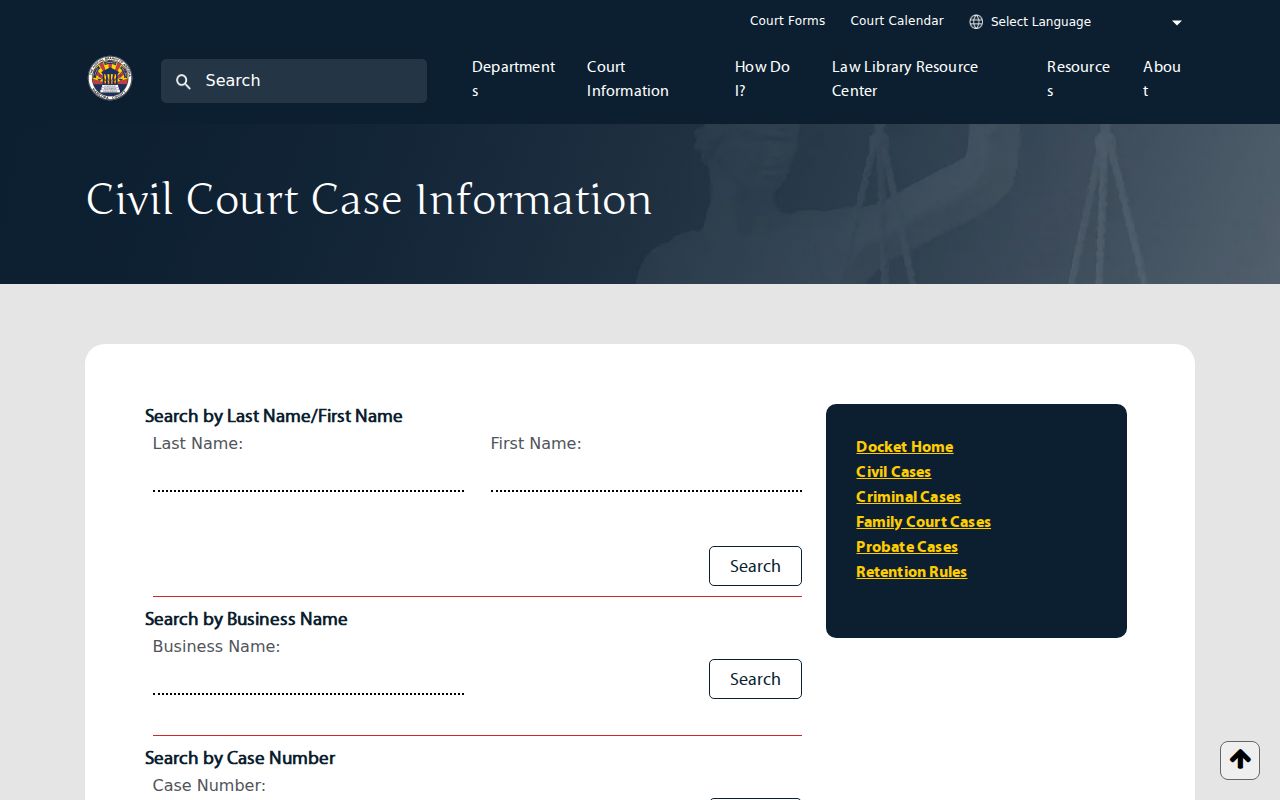
| Local Superior Court form | Representative Arizona form allows last name, first name, business name, or case number. | Local options are not an Arizona statewide form. |
The Maricopa civil case search form shows a county-level example. Its controls are a reminder never to assume the same search fields statewide.
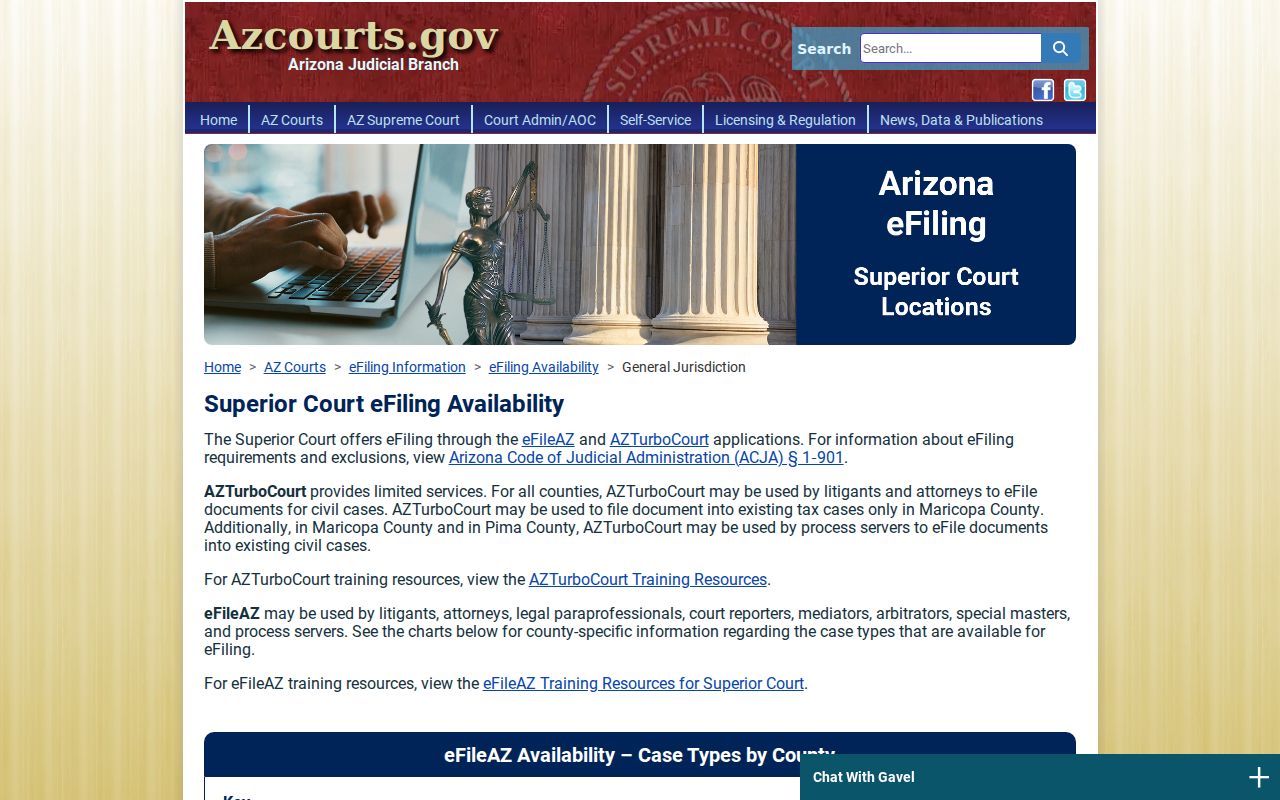
Filing systems add one more layer. The Judicial Branch's Arizona e-filing availability matrix varies by county and case type. E-filing moves papers into a court; it is not a public case search.
The Arizona court clerk logs accepted papers into the case file. A filing receipt alone does not mean the docket entry is complete. Nor does it mean the document is open for public viewing.
Arizona Civil Default and Final Judgment
A default entry on an Arizona civil docket is not the same thing as a final judgment. The case history often lists a default step first. Only later does the judge sign the actual judgment. For the real relief and dollar amount, read the signed judgment itself. A one-line event title never carries that full ruling.
What can follow a judgment? The Arizona docket may later show a satisfaction or release, an abstract of judgment, a writ, garnishment, a stay, a motion to set aside, or an appeal. Silence cuts the other way too. A docket with no later event does not prove the judgment was paid. It does not prove enforcement ended either. When that distinction matters, ask the Arizona clerk for the official status.
An appeal opens a second file. The notice of appeal shows up in the trial case. The later briefs, orders, and the mandate all land under a new Arizona appellate docket number. That appellate record sits beside the original civil file; it does not replace it.
Note: The Arizona docket's default event is not a substitute for the signed final judgment.
Arizona Civil Docket Access
Who decides what you can see? Arizona Supreme Court Rule 123 governs access to Arizona judicial records, and most Arizona court case records stay open unless law, rule, or court order closes them. The online tools each have their own gaps. Public Access omits listed case populations and covers only some courts. eAccess excludes family, probate, juvenile, and restricted Superior Court records. So an Arizona family or probate case can sit in Superior Court yet lack the online document access an ordinary civil case gets.
Do not mix up the two frameworks. Arizona's general public-record law, A.R.S. §39-121, does not replace the court's Rule 123 process. Juvenile files get separate protection under A.R.S. §8-208. When an Arizona record is missing online, ask the clerk holding the case. It may fall outside the portal's coverage, be confidential, sit in an archive, or be reachable through a public terminal or a records request.
The Arizona rules gateway carries the current access rules. Remember that the public-access layer and the clerk's official case file serve different purposes.
Use the County Directory to find the Arizona clerk for the court named on the civil papers. The right clerk can point you to an access route for the actual Arizona docket or document.
Key Rules:
Arizona Supreme Court Rule 123 sets the Arizona public-access framework for judicial records and recognizes restrictions required by law, rule, or order.
A.R.S. §39-121 states Arizona’s general public-record inspection principle; court case files follow their judicial-record process.
A.R.S. §8-208 establishes confidentiality limits for Arizona juvenile court records.