
Getting Court Records in Arizona
Every Arizona court keeps the records from its own cases. That fact shapes how you get them. The free Public Access case lookup covers participating Arizona matters. Registered users can search eligible Superior Court civil and criminal court records in eAccess. They can buy available documents there. Want a complete case file? The local Clerk of the Superior Court, Justice Court clerk, or Municipal Court clerk holds it. Check which court is named on the citation, notice, or filed paper. That name tells you which Arizona office to call.
- Start with the case number, court name, filing date, or notice so the request goes to the right Arizona custodian.
- Use Arizona Public Access for a participating case locator, then try eAccess if the matter is an eligible Superior civil or criminal case.
- For a full file or a case outside those services, use the Arizona court's local website or public terminal, or visit the clerk's counter.
- Call the Arizona clerk to confirm the exact document, access limits, accepted payment, mail or email options, and expected turnaround; mailed requests should identify the case and item.
- Ask the Arizona clerk for a certified copy when formal authentication is needed. For a judicial-record request, Rule 123 applies; the AOC form is for administrative records.
Need the court and case number first? The Arizona Case Lookup helps with that before any records request goes out. Then the Arizona county directory points to local court systems and clerk contacts. Procedures differ from court to court for phone, counter, public-terminal, and mail requests. A call can locate or order an unrestricted copy. Each Arizona clerk still sets its own delivery and payment rules.
Arizona Docket and Court Record Products
Know what you are asking for before you ask. Arizona case information is often the fastest starting point. It confirms a case number and its event history. A filing is a separate document with its own text. An Arizona motion or judgment is one example. And a certified copy adds the clerk's authentication, which some formal uses require. A chronology, a single item, and an authenticated copy are three requests, not one.
| Product | What It Gives | Arizona Route |
|---|---|---|
| Docket or case information | Case identity, events, settings, and status as available. | Arizona Public Access, Arizona appellate portal, or local case search/terminal. |
| Filed document | The actual complaint, minute entry, order, judgment, motion, or exhibit. | Arizona eAccess for eligible Superior civil/criminal documents; otherwise the local clerk or terminal. |
| Certified copy | A clerk-authenticated copy, paper sealed or electronically verified. | Arizona eAccess e-certification when eligible or the Arizona clerk holding the file. |
Arizona Public Access posts selected Superior Court criminal minute entries. What you see is a written summary of a proceeding, not a verbatim transcript and not the full pleading file. The Arizona minute-entry search page offers this as a route separate from the ordinary case lookup.
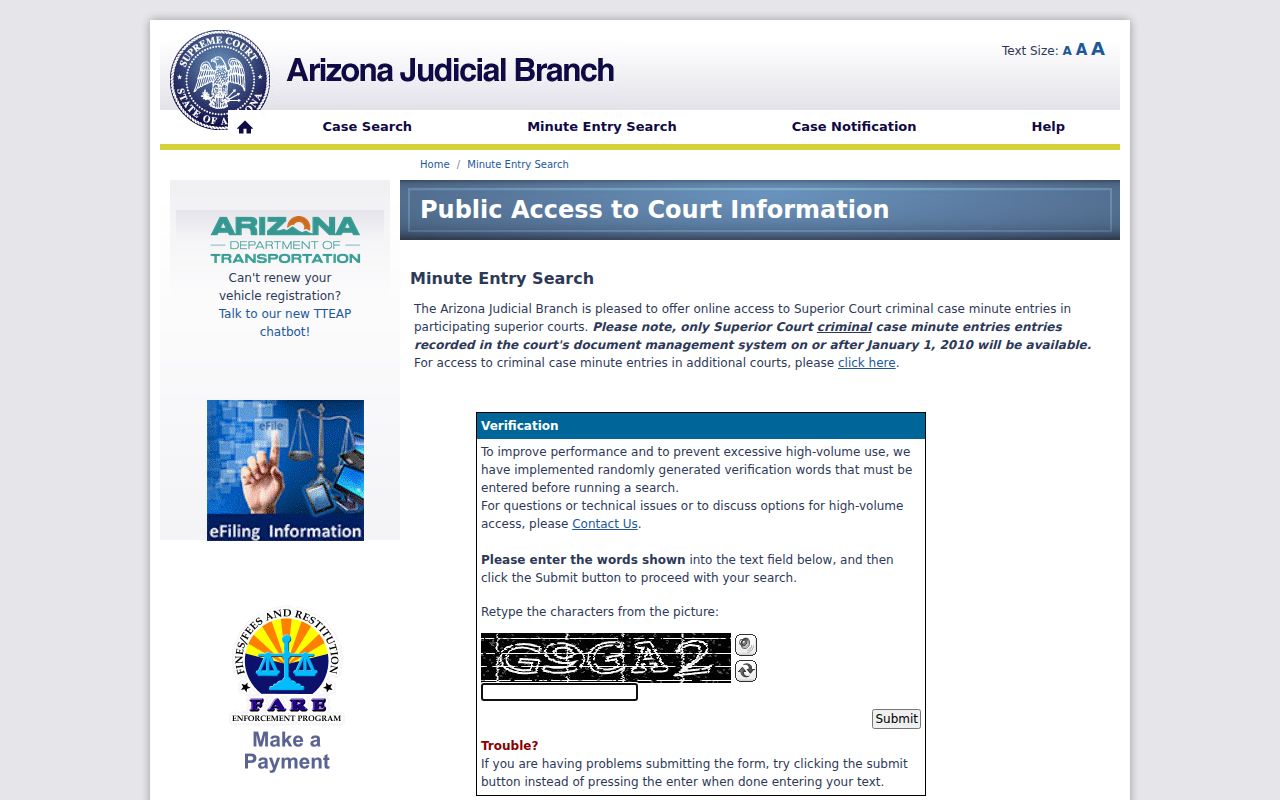
Use an Arizona minute entry to follow court activity. If you need the full text of an order or filing, request the underlying document too.
Types of Arizona Court Records
Arizona court records span several forms. They include the docket or case chronology, filed papers like complaints and motions, minute entries, signed orders, judgments, exhibits, and certified copies. The Arizona case docket lists activity. A filed document holds the actual text or attachment. The Clerk of the Superior Court maintains that county branch's files. Justice or Municipal Courts keep their own matters. Appellate cases sit with a separate clerk and a separate case number.
What you can reach depends on the record type and the court. eAccess offers some Superior Court civil and criminal documents within its date range. Local portals or public terminals may expose other case populations. A transcript is different from an ordinary copy of a filing. It comes from the assigned Arizona court reporter. AOC administrative records are yet another category, with a request process unlike a judicial case file.
Preview Arizona eAccess Documents First
Registered eAccess users can search covered Arizona Superior Court civil and criminal cases. They can preview the first page of an available document free. A complete document costs $10. Once purchased, it stays downloadable for 24 hours. That preview is a cheap safeguard. It lets you confirm the item is the right order or filing before paying for the whole image.
Subscriptions are priced by monthly document allotment. Electronically certified copies cost $45 per document on pay-as-you-go accounts. It costs $35 with a recurring monthly subscription, per the current FAQ amounts. Restricted documents never appear in the viewer. That holds even when a docket event names them. If another agency must accept the copy, confirm the required format before checkout. The current Arizona eAccess fee and access FAQ lays out the full model. It covers preview, retrieval, subscription, and electronic certification.
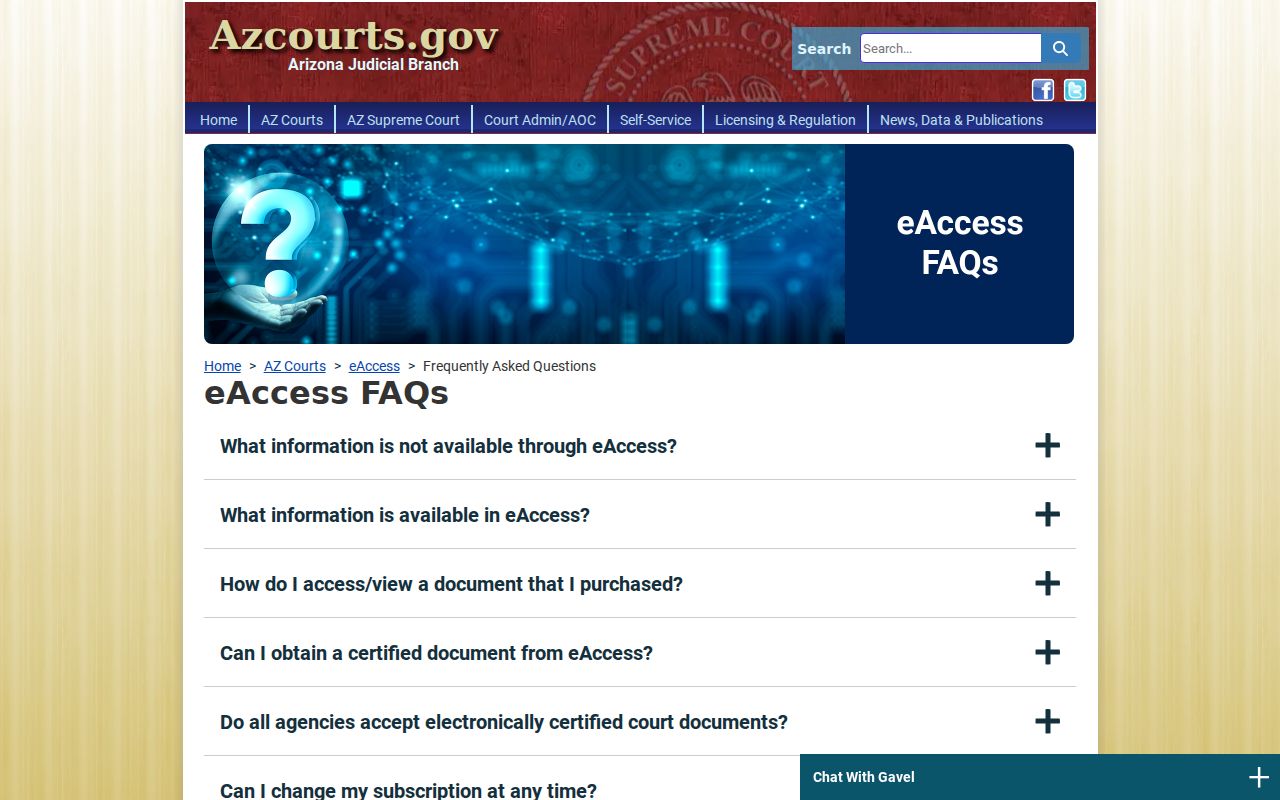
Online fees can change, so check the live Arizona FAQ before paying. Compare the certified product against the receiving office's instructions, too.
Inside an Arizona Court Record
An Arizona case file can hold the record's identity, dated events, filed documents, orders, and the final judgment. Online case information may show only part of it. A minute entry is the court's written summary of an event. It is not a verbatim transcript under Rule 125. How each field appears, and whether an image is offered, is set by the court's local case system.
| Case number | The Arizona court's identifier. Formats vary by jurisdiction and case type; eAccess examples include CR202301234 and CV-200812345. |
|---|---|
| Caption and parties | The case style and party roles, subject to redaction or restricted access. |
| Case activity | Dated events and minute entries that summarize what occurred in court. |
| Pleadings and motions | Documents filed by parties or counsel, when available under the access rules. |
| Orders and judgment | The judge's ruling or final disposition; a docket title is not the order itself. |
| Exhibits and attachments | May be separately filed, redacted, sealed, or unavailable in an online viewer. |
| Certification | A clerk-authenticated copy may carry a raised seal or an electronic verification page. |
For an Arizona copy request, give the docket number that identifies the court file. Then name the exact order, pleading, or attachment you need.
Arizona AOC Forms Are Not Case Requests
Arizona's Supreme Court and its Administrative Office of the Courts use one public-records form. It covers only records those two offices hold. The form collects your contact information, your organization, the date, a description of what you want, and a certification about intended use or a commercial request. It will not pull a case file from a county Superior, Justice, or Municipal Court. For a judicial record, send your request to the custodian at the specific Arizona court where the case lives. The state's general public-records law creates neither a single statewide court-file inbox nor a fixed response deadline.
The pricing on that AOC form is worth a look. Paper reproduction runs $0.50 per page. Commercial requests may be billed actual production costs such as collection, redaction, labor, or equipment. Those terms govern the administrative request only. A county clerk's copy of a case file is a separate transaction.
So use the Arizona Supreme Court/AOC public records form when the AOC or Supreme Court holds the record. For a case, name the local court and the exact document instead.
Arizona Certified Copies and Fees
Know what you are ordering. A plain copy just reproduces a page. A certified copy carries the clerk's authentication that it matches the court record. Tell the Arizona clerk which document you need. Say whether certification, exemplification, or authentication is required. Superior Court baseline charges are set statewide, though Justice Court and local service details can differ from county to county. Before sending money, ask for the full total, including any search, copy, certification, postage, or payment-processing amount.
| Record or Service | Published Charge | Arizona Access Note |
|---|---|---|
| Arizona Superior Court paper copy | $0.50 per page | Local service or postage may add charges. |
| Arizona Superior Court certification | $35, plus copy pages | Ask the clerk whether a raised seal is needed. |
| Exemplification / authentication | $70 / $105 | Arizona specialized seal services, not ordinary copies. |
| Arizona clerk document search | $35 per year or source searched | Applies when staff must research for a record. |
| Superior Court postage | $8 listed fee | Confirm the current Arizona mail method and total. |
| Justice Court copy | $0.50 per page statewide schedule baseline | See the Justice Court fee schedule; certification and service can vary locally. |
| Arizona eAccess full document / e-cert | $10 / $45 pay-as-you-go or $35 monthly account | First page preview is free; e-cert recipients may require paper. |
The Arizona Superior Court fee schedule lays out the statewide baseline for these charges. Local add-ons and copy pages can push the final bill higher.
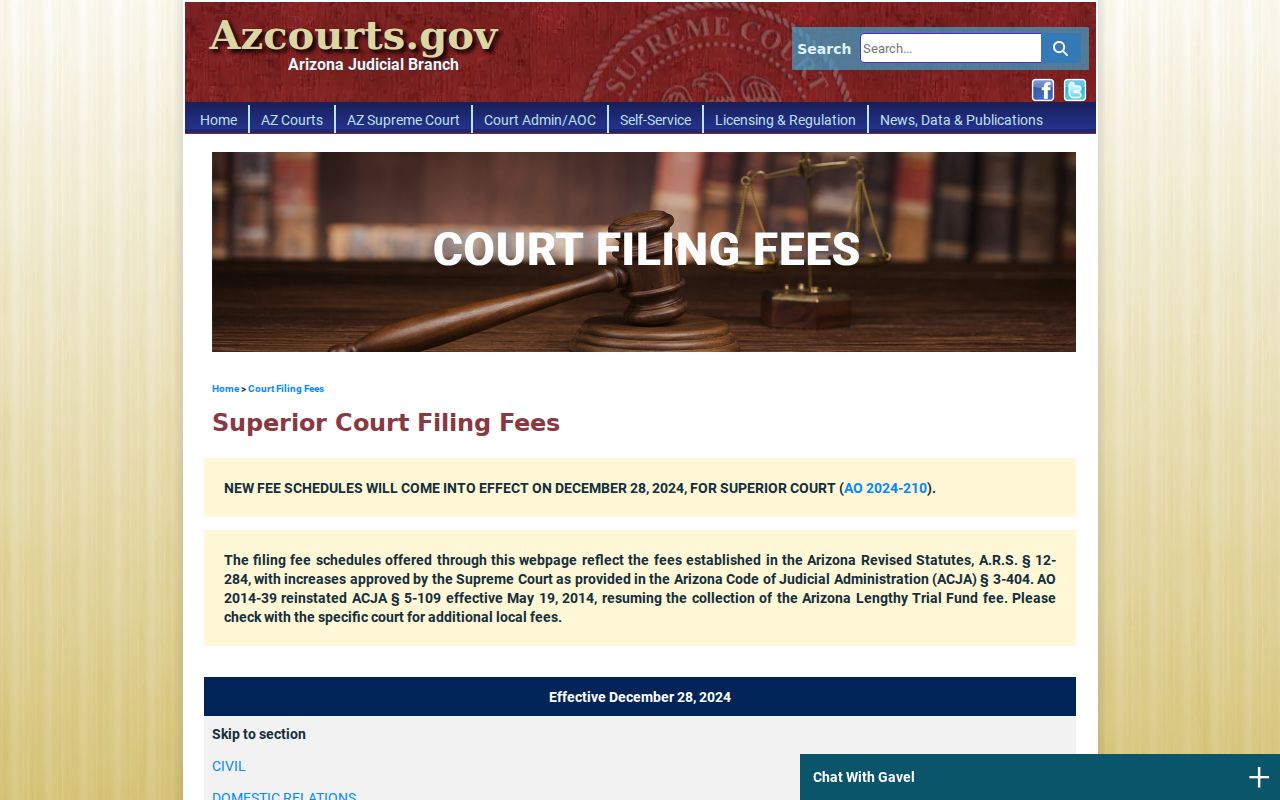
Check the current published Arizona schedule and confirm any local additions with the clerk before paying.
Arizona E-Certification May Need Paper
An e-certified Arizona document sounds simple. The receiving agency still decides what it will accept. Some insist on a paper copy bearing a raised seal. Verify that requirement before paying for an Arizona e-cert through eAccess or having the county clerk prepare a formal copy. A document image you download on your own is not automatically certified.
Ask the clerk how the charge is counted, too. Certification may be priced per document, per page, or both. Superior Court certification adds the listed certification charge plus copy pages where applicable, and eAccess bills separately for an electronically certified document. Since the channel and the court determine which product you can get, match the recipient's instructions against the clerk's or portal's description.
Note: Certification proves the copy matches the court record. It does not change a case result or open a restricted document.
Arizona Court Transcripts Have a Separate Custodian
A transcript is a word-for-word rendering of what was said in the courtroom. That sets it apart from a minute entry, which only summarizes official events, and from a plain copy of a filed document. To order a transcript or courtroom audio, contact the assigned court reporter. The reporter's office the court identifies can also take the order. The clerk's ordinary copy fee never includes transcription.
No statewide rule sets a transcript page rate or turnaround time. The reporter quotes the price and schedule for your specific proceeding. Give the Arizona court, case number, hearing date, and event so the recording can be located. When a transcript supports an appeal or other formal use, confirm the required format and certification with the receiving court before ordering.
Note: A docket entry may name the hearing. It holds no verbatim record of anyone's words.
Sealed Court Records in Arizona
Arizona Supreme Court Rule 123 presumes that judicial case records are open. Law, rule, or court order can close them. The public search tools layer on more limits. Public Access skips several case populations, and eAccess suppresses restricted documents. Juvenile, protection-order, mental-health, probate, and sealed records each follow their own confidentiality rules. A public docket line does not put every exhibit or personal detail on the table.
Two statutes frame the edges. Arizona Public Records Law, A.R.S. §39-121, states a general inspection principle, but judicial case files run through the Rule 123 custodian process instead. A.R.S. §13-911 lets a court seal eligible criminal records once statutory conditions are met; sealing changes ordinary public access without destroying the file. If access is denied, ask the Arizona custodian to name the legal basis and whether redaction or another reasonable option exists.
Key Rules:
Arizona Supreme Court Rule 123 governs access to judicial records, denials, and review requests.
A.R.S. §39-121 covers general state and local public records; it is not a substitute for the court-file request process.
A.R.S. §13-911 permits eligible criminal records to be sealed by court order, with statutory exceptions.
The Arizona Rules of the Supreme Court gateway publishes the current Rule 123 text alongside the rest of the court's rules. Treat the rule language itself as controlling on any access question.
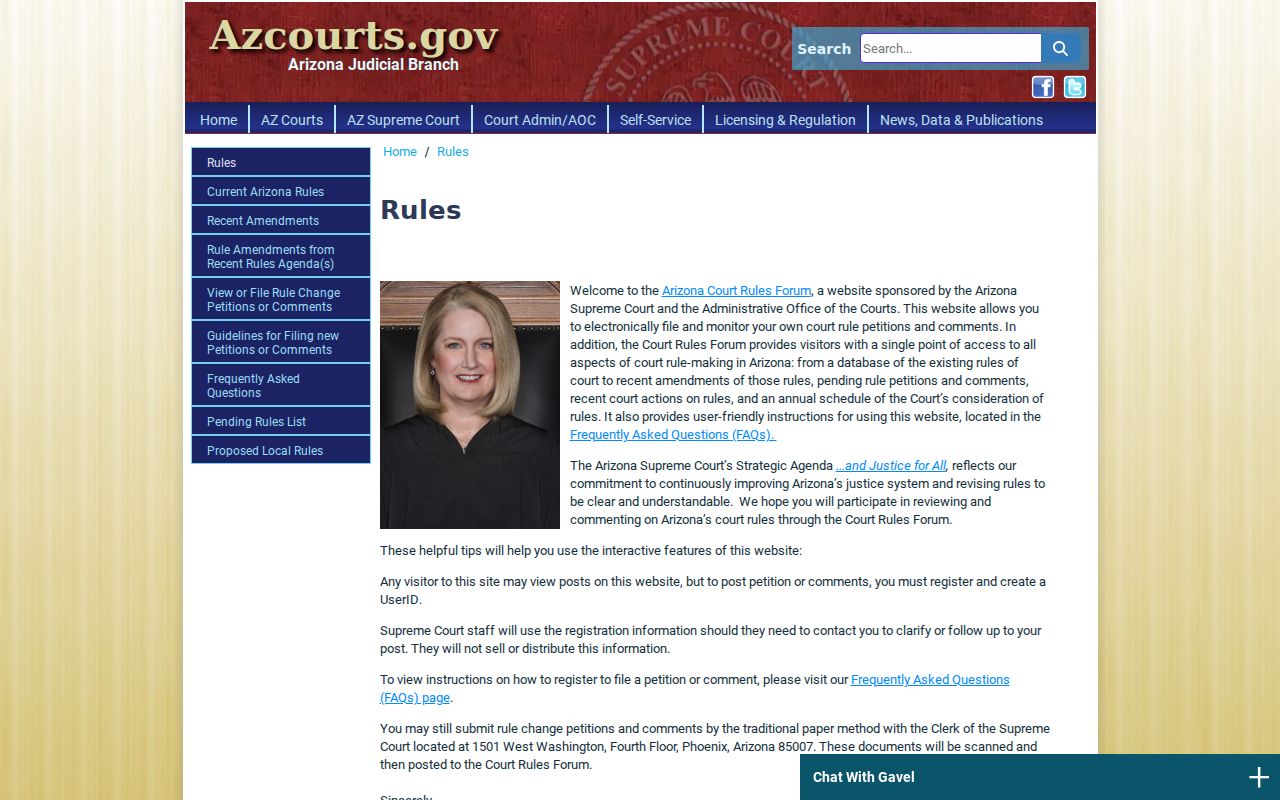
A denial is not the end. Rule 123 lets you file a written review request through the custodian within ten business days. The presiding judge then decides as soon as practicable, and no later than ten business days after receiving the request. A special action can follow an adverse review. Note: The AOC's review route for administrative records is separate from a county court-file denial under Rule 123.
Arizona Older Case Files May Be Archived
Not every Arizona case lives in an online docket. Arizona eAccess only reaches back to its published Superior Court filing dates. Anything older may sit in paper files or deep storage. A staff search then becomes the practical route. For an older Superior Court file, start with the Clerk of the Superior Court. Justice Court and Municipal Court cases stay with their own clerks, whatever their age.
When you contact the clerk, give as much as you can. A case number helps most. A party name, the rough year, the court, and the exact document or date range you want will also work. Ask a few plain questions. Is the file archived? Does retrieval carry a search charge? How long will the request take? Can the copy go out by mail or electronically? Turnaround times and archive procedures differ from county to county, since nothing is standardized statewide.
If the statewide docket search will not reach an older Arizona court record, the Arizona county directory maps out the local path. It points you to the right court.
Arizona State and Federal Court Records Differ
A federal case filed in the District of Arizona never lands in the state-court file. Federal civil, criminal, bankruptcy, and appellate dockets run on their own systems. They follow their own rules. PACER handles federal access. Arizona Public Access, eAccess, and the county clerks serve the state judiciary. Checking one system will not complete the other docket. Even a party name or event appearing in both stays split.
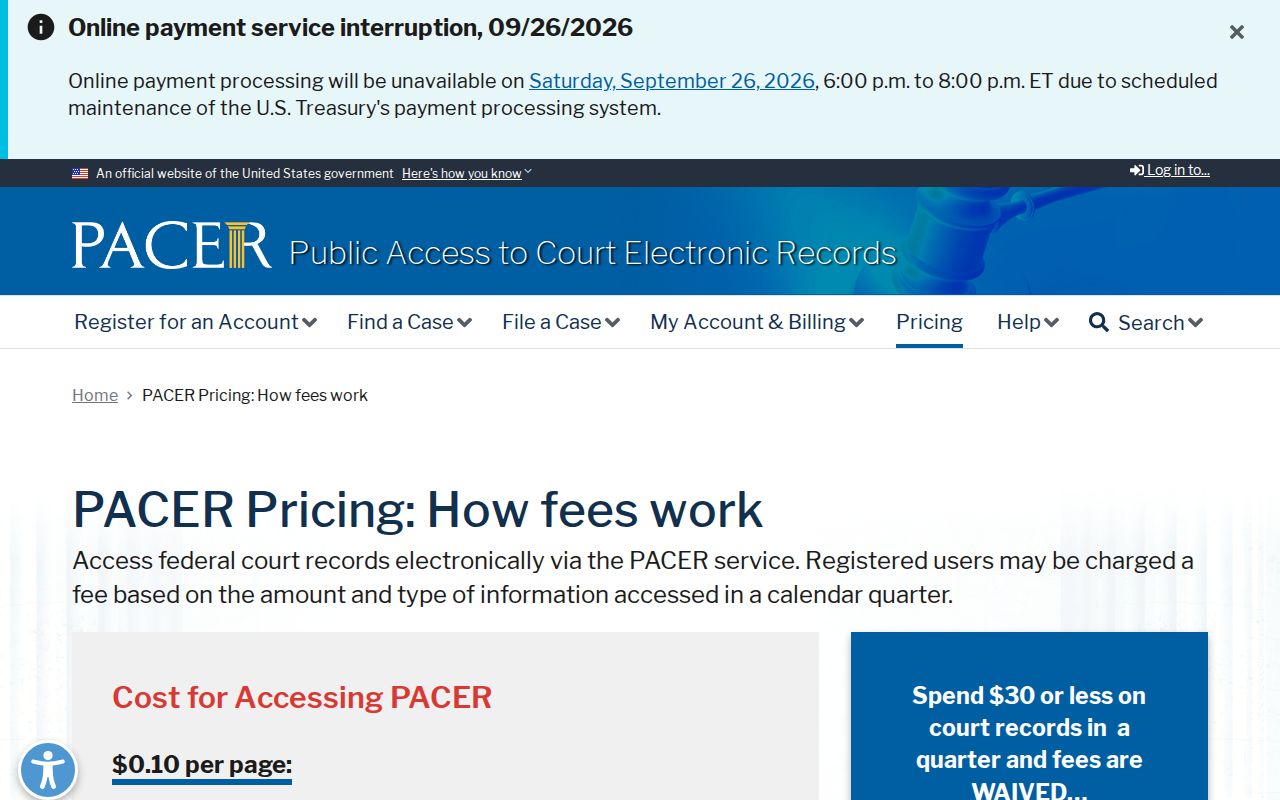
Fees are separate too. The federal schedule charges $0.10 per page. A $3 cap applies to most case-specific documents. Low-usage accounts get quarterly fee waivers through 2026. A temporary increase is set for January 2027. Before pulling any Arizona federal record, check the live pricing page so nothing surprises you.
The official federal PACER pricing page spells out those charges for federal dockets. It shows a fee layer wholly apart from what Arizona state-court copies cost.
The filing itself names the court system. Match that name, and the right Arizona or federal docket and fee schedule follow.